HR Software · 50–200 employees
Seeing the renewal status directly on the deal
I built a HubSpot sidebar card that reads the linked License and shows the renewal status on the deal, where reps are already working.
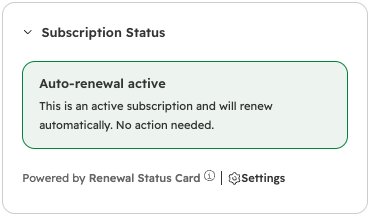
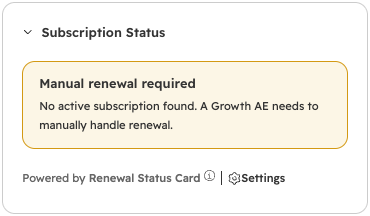
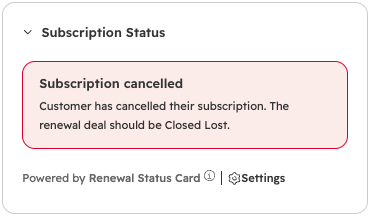
The answer was on another record
Reps had to open the associated License to check whether a renewal needed manual follow-up. Skipping that lookup could mean missing the information needed to choose the next step.
How I built the card
The initial approach did not reliably find the linked License. I moved the lookup into a serverless function that retrieves the association and reads the subscription data.
I built the card as a React UI Extension, visible in the relevant deal pipeline. It reads License data when it loads, without copying those properties onto the deal.
Status on the deal, without changing records
Reps can check the renewal status without opening the License record. The card and its serverless function run inside HubSpot. The card only reads data; it does not update records.
Related expertise: HubSpot custom objects · HubSpot custom app cards.
Want to compare notes on this project? Get in touch.